Funny Animals template
Give each reaction room to land, then mark the punchline with a gentle effect.
TOP 3 · 20–28s recommended
3 → 2 → 1
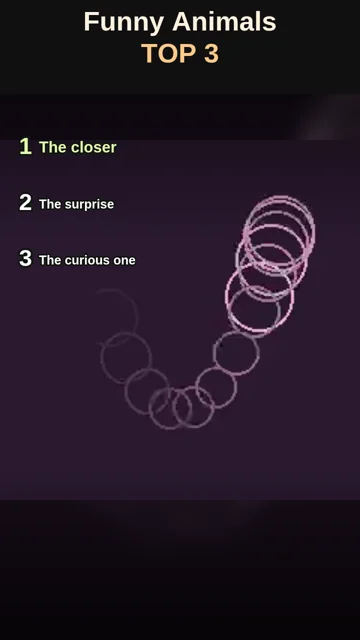
The preview uses motion shapes. Replace each example clip with your footage. New templates keep source audio. Sound effects can be added manually.
Choose footage
Choose three moments that include both the action and the animal’s reaction. Keep enough lead-in for a quick expression to make sense.
Sound and transitions
Reveal ranks from three to one and keep earlier labels visible. The blurred fit preserves framing. Add a light cue only when it helps a specific reaction.
How to edit
After replacing each source, check the face in the preview. Keep a natural chirp or room sound when it carries the joke.
Related guides
Use footage and audio you have permission to publish. Export formats depend on your browser.