Satisfying Moments template
Hold on alignment and completion so the payoff has time to read.
TOP 3 · 20–30s recommended
1 → 2 → 3
The preview uses motion shapes. Replace each example clip with your footage. New templates keep source audio. Sound effects can be added manually.
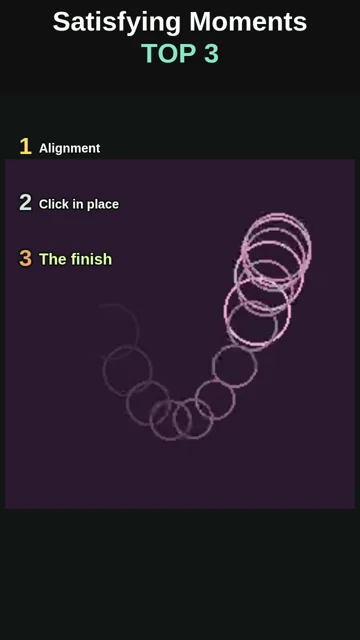
Choose footage
Pick three clips where you can see a process align, click or finish. Keep enough of the final second to show why the completed shape feels satisfying.
Sound and transitions
All labels are visible from the start, and the banded fit preserves horizontal framing. Keep the source audio, and add a soft pop only if it helps the payoff.
How to edit
After swapping sources, find the actual click or finish. If you add a pop, drag it to that moment. Extend the final hold if the viewer needs time to register what changed.
Related guides
Use footage and audio you have permission to publish. Export formats depend on your browser.