Aura Loss template
Set up the confidence, then use a brief blackout and blur to highlight the reversal.
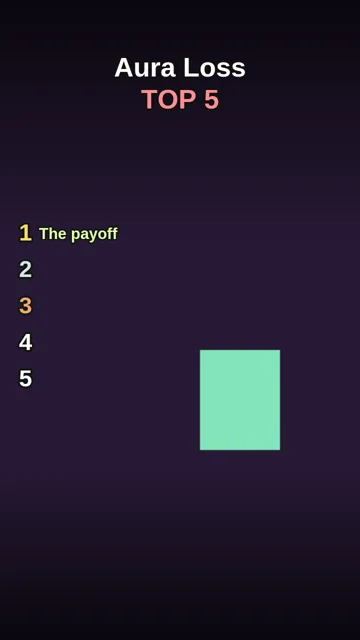
TOP 5 · 25–32s recommended
5 → 4 → 2 → 3 → 1
The preview uses motion shapes. Replace each example clip with your footage. New templates keep source audio. Sound effects can be added manually.
Choose footage
Look for five clips that show visible confidence and a clear outcome in the same take. Vary the reasons the setup goes wrong so each rank lands differently.
Sound and transitions
The preset reveals 5 → 4 → 2 → 3 → 1 and displays the current title. Short blackouts and a brief blur punctuate reversals.
How to edit
After swapping footage, replay the boundary. If you add a scratch, place it where the incoming clip begins. Leave room for dialogue when the reaction matters.
Related guides
Use footage and audio you have permission to publish. Export formats depend on your browser.