Gaming Moments template
Keep the landscape HUD visible and give the unexpected play and final rank distinct beats.
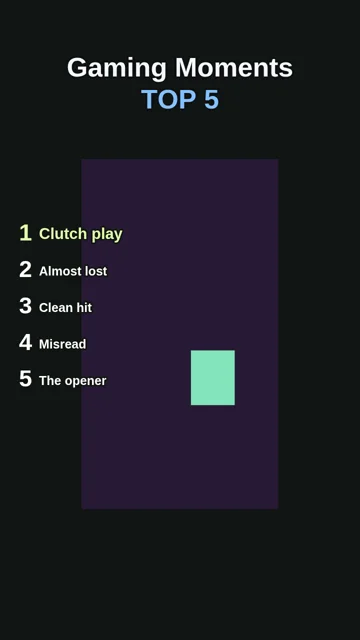
TOP 5 · 26–38s recommended
5 → 3 → 4 → 2 → 1
The preview uses motion shapes. Replace each example clip with your footage. New templates keep source audio. Sound effects can be added manually.
Choose footage
Choose landscape clips where the score, health bar or clock explains the reversal. Keep room for the HUD and the move that resolves it.
Sound and transitions
The layout preserves the original frame and progressively reveals a nonsequential ranking. A whip pan marks a play change. An optional drum roll can build tension before the comeback.
How to edit
Replace the sample slots and review the game’s capture, music and commentary rights. Move the title in the preview if it competes with a HUD element.
Related guides
Use footage and audio you have permission to publish. Export formats depend on your browser.